Passle facilitates users to create content as they are reading any article online. This is referred to as a 'commentary-style' post and will automatically cite the article you are quoting as you create your piece of content.
Follow the steps below to create a commentary-style Passle post:
Step 1:
Read any article online
Step 2:
Highlight a passage of text from the article and press the Passle browser extension to initiate your post
Step 3:
Add your post title & body text
Step 4:
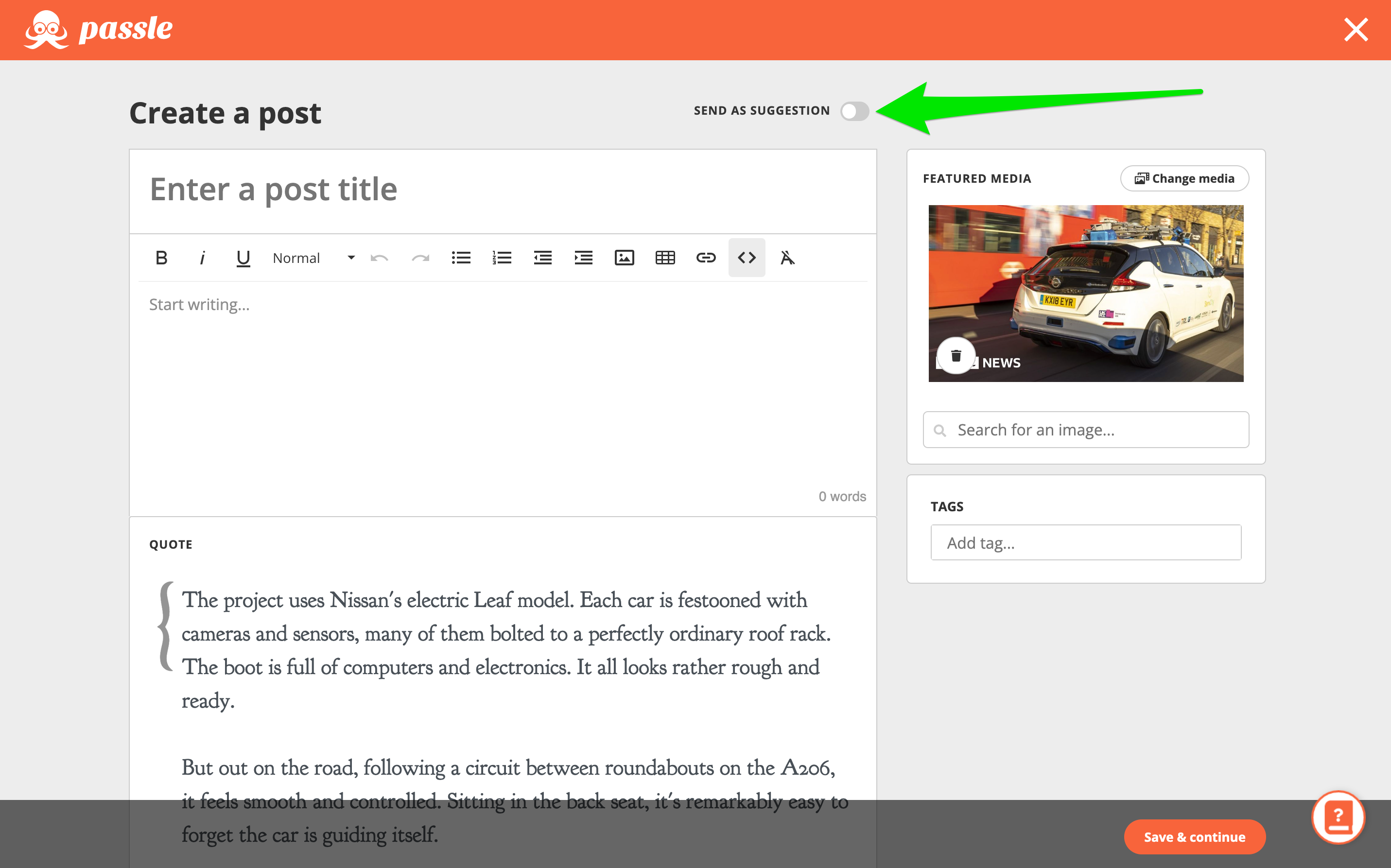
If instead, you want to flag the article you're reading to a colleague, then you can send them a post suggestion
Step 5:
Change the 'Featured Media' if you want to replace the Open Graph image that pulls through when linking to the article you're quoting
Step 6:
There is an option to include Tweets alongside your post
Step 7:
Add any tags before sending your post through for approval
The quotation in the brackets with the link below is the quote the author highlighted linking back to the original article. You will also find the example Tweets that have been selected.